Fully automatic
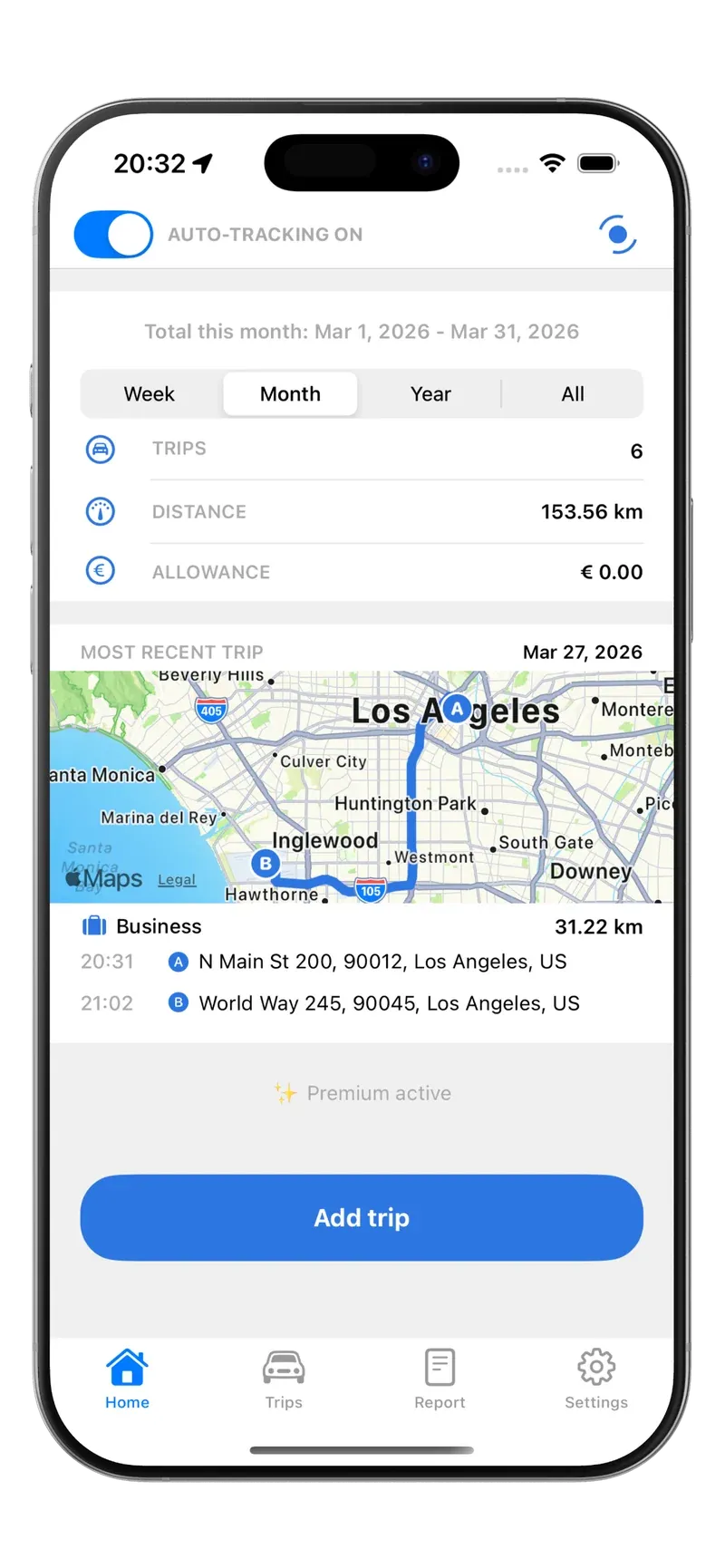
GPS and motion detection record every trip in the background.
Automatically track all your trips, easily claim mileage, and enjoy tax benefits. Start for free with no subscription.
“Tried several apps for trip logging, but this one stands head and shoulders above the rest.”
“Tripbook is an effective and accurate app that records your trips in a very clear and insightful way.”
“Fantastic app for keeping track of my trips — especially very precise!”
Everything for a complete mileage log, without lifting a finger.
GPS and motion detection record every trip in the background.
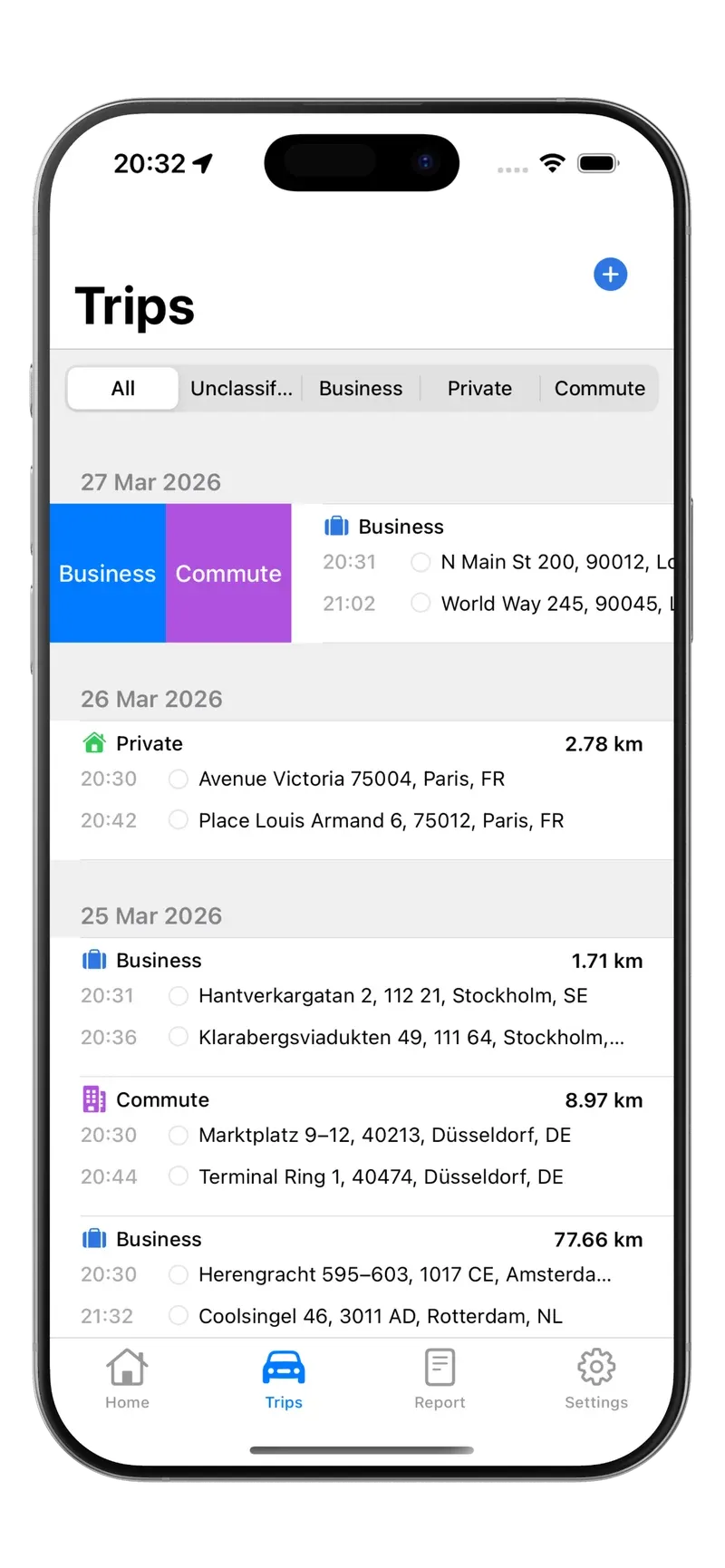
Tripbook learns from your previous trips and classifies recurring ones on its own. Swipe to handle the rest.
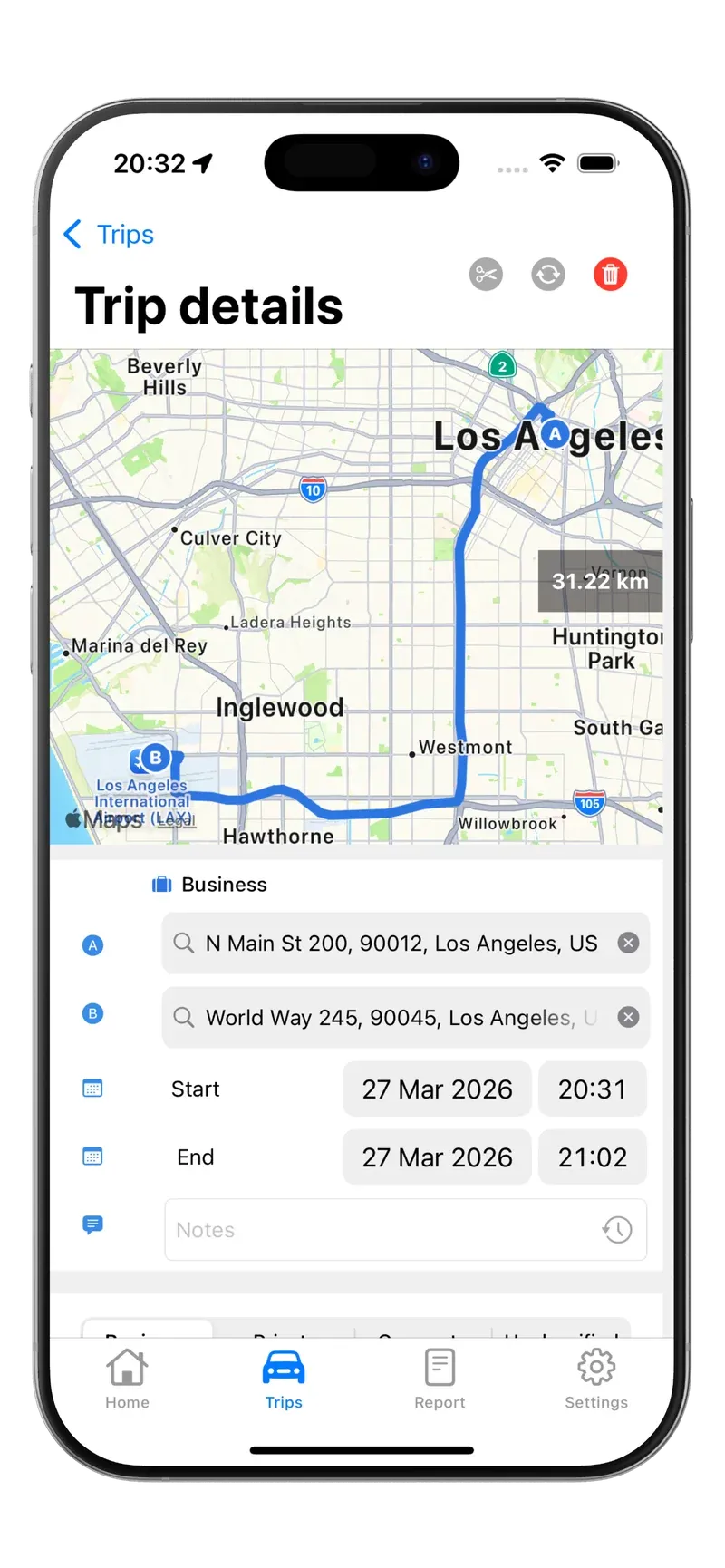
With addresses, distances and driving time.
No data collection.
Everything on your phone.
Just drive.
Free for up to 20 trips per month. Unlimited with Premium.
Your trip data and your backup stay with you: on your phone and in your own iCloud.
Tripbook is a mileage tracking app for iPhone and Android. The app uses motion detection and GPS location to automatically log trips in the background. You can also add trips manually and later edit or classify them.
First, check if Auto-tracking in Tripbook is enabled. Then run the App Configuration Check (go to Tripbook > Settings > App Configuration Check); all checkmarks should be green. Important: after an iPhone restart or an app update, you must open Tripbook once manually (you will usually receive a notification about this) so that background tracking becomes active again. Also check the 'Trip recorded' notifications to confirm that trips are being logged. If the problem persists, as a last resort reset the 'Motion & Fitness' setting. You can do this via Settings > Apps > Tripbook > Motion & Fitness: toggle it off and back on. Using Tripbook on Android? Make sure battery optimisation is disabled for Tripbook (Settings > Apps > Tripbook > Battery) and location access is set to 'Allow all the time'.
Automatic tracking, trip classification (business/personal/commute), iCloud backups and sync, reports (CSV/XLS/PDF), multiple vehicles, notes, and manual trip entry.
Yes. Tripbook uses GPS and motion detection and works in the background. It’s optimized for low battery usage. Keep the app running in the background (don’t force close it) for reliable tracking.
You can log in with your email or Apple ID. There’s a free plan and a Premium subscription (monthly, yearly, or lifetime). Pricing may vary by region.
Yes. With the free plan, you can record up to 20 trips per month.
With Premium you can log unlimited trips, use iCloud sync, and access extra features like notes and multiple devices.
With Premium, your trips are securely stored in your own iCloud and synced across devices logged in with the same Apple ID and that support iCloud.
Yes. For each trip you can choose a category: business, personal, or commute. This can be suggested automatically or adjusted manually.
Yes. You can set reimbursement rates per category (e.g. business or commute), so reports will directly show the correct amounts.
In the trip overview, swipe left or right to quickly classify. Swipe left on a classified trip to delete it or see more actions.
Open the trip in the overview, go to trip details, and adjust the start/end reading or distance. Save your changes to update the report.
You can export reports in CSV, XLS, or PDF. Select the desired period and categories; download them directly from the app.
Yes. Add trips manually from the main screen or the trip overview. Manual trips appear alongside your automatic trips and can be edited or classified the same way.
Yes. Tripbook supports both light and dark mode. You can set this in the app settings or follow your system theme.
Your data is stored locally on your device. If you choose iCloud sync, your data stays in your own iCloud and is encrypted with Apple’s security. Access can be protected with Face ID, Touch ID, or a password.