Every business mile you drive in 2026 is worth 72.5 cents in tax deductions — the highest IRS rate in history. But without a proper mileage log, those deductions disappear. The IRS applies strict substantiation rules to vehicle expenses, meaning estimates and reconstructed logs are flatly rejected.
A mileage log template gives you a simple, repeatable way to record every trip. In this guide, we cover exactly what your log needs to include, common mistakes that get deductions denied, and how to choose between a template and an app.
What the IRS requires in a mileage log
The IRS does not mandate a specific form or software. Paper, spreadsheets, and apps are all accepted. But every log must capture five pieces of information for each trip:
- Date of the trip
- Starting point (specific address or location name)
- Destination (specific address or location name)
- Business purpose — must be specific, not vague (e.g., “Met with Jane Lee at Acme Corp. to review Q3 contract,” not just “client meeting”)
- Miles driven for that trip
You also need to record your odometer reading at the start and end of each tax year, plus your total annual mileage broken down by business and personal use.
The IRS requires records made at or near the time of travel. A log created weeks or months later — or worse, after receiving an audit notice — is treated as unreliable. Weekly updates are generally considered acceptable.
Download your free mileage log template
Grab the format that works best for you — both are pre-formatted with all IRS-required fields and ready to use immediately.
The Excel version includes auto-calculation formulas — enter your odometer readings and it calculates miles driven and deductions automatically. The PDF version is a printable form you can fill in by hand.
What a good mileage log template looks like
A solid mileage log template has columns for all five IRS-required fields, plus a few extras that make your life easier:
| Column | Required by IRS? | Why it helps |
|---|---|---|
| Date | Yes | Establishes when the trip happened |
| Start location | Yes | Shows where you drove from |
| Destination | Yes | Shows where you drove to |
| Business purpose | Yes | Proves the trip was work-related |
| Miles driven | Yes | The deductible amount |
| Odometer start/end | Recommended | Strongest proof of actual miles |
| Trip category | No | Separates business, personal, commute |
| Deduction amount | No | Auto-calculates at $0.725/mile |
A template with auto-calculation saves time. Enter your miles, and the spreadsheet multiplies by 72.5 cents to show your running deduction total.
Which format should you use?
The IRS accepts any format. The best choice depends on how you work:
Excel works well if you are on a computer daily. Formulas auto-calculate totals and deductions. You can sort, filter, and customize columns. The downside: it lives on one device unless you save to cloud storage.
Google Sheets gives you the same calculation features with cloud access. You can update it from your phone between trips. Timestamped edits also strengthen your contemporaneous record.
PDF (printable) is the simplest option if you prefer pen and paper. It costs nothing and needs no software. But you lose auto-calculations, and handwritten logs are harder to organize at tax time.
For any format, the rule is the same: completeness matters more than format. A detailed paper log beats a vague spreadsheet every time.
5 mileage log mistakes that cost real money
These are not hypothetical risks. Each of these has cost taxpayers real deductions in IRS audits and Tax Court cases.
1. Creating your log after the fact
A California real estate broker created a handwritten mileage log only after learning he was being audited. The IRS disallowed the entire deduction and added a 20% negligence penalty. He appealed to Tax Court and lost. If you’re in this situation, our guide on what to do if you forgot to track mileage explains your options.
2. Vague business purpose descriptions
Entries like “client meeting” or “travel for work” are not specific enough. In one Tax Court case, logs were rejected because they used generic descriptions instead of naming specific clients, destinations, or business activities.
3. Missing destinations or trip details
One couple kept logs showing weekly mileage totals but not individual dates or specific destinations. The IRS denied over $80,000 in auto and travel expense deductions. The Tax Court agreed.
4. Using round numbers
Repeated entries of exactly 50 or 100 miles signal estimation rather than actual tracking. Auditors are trained to spot this pattern.
5. Including commuting miles
Your regular commute between home and your primary workplace is never deductible. Including these miles — even by accident — can undermine your entire log’s credibility.
Unlike most business expenses, vehicle deductions get no Cohan rule relief. That means the IRS cannot accept estimates when records are missing. If your log is incomplete, the deduction is simply denied — no partial credit. Learn how to protect yourself in our IRS mileage audit defense guide.
Template vs. app: which is better?
A template is a great starting point. It is free, requires no sign-up, and works for anyone comfortable with spreadsheets. If you drive for work a few times per week, a template may be all you need.
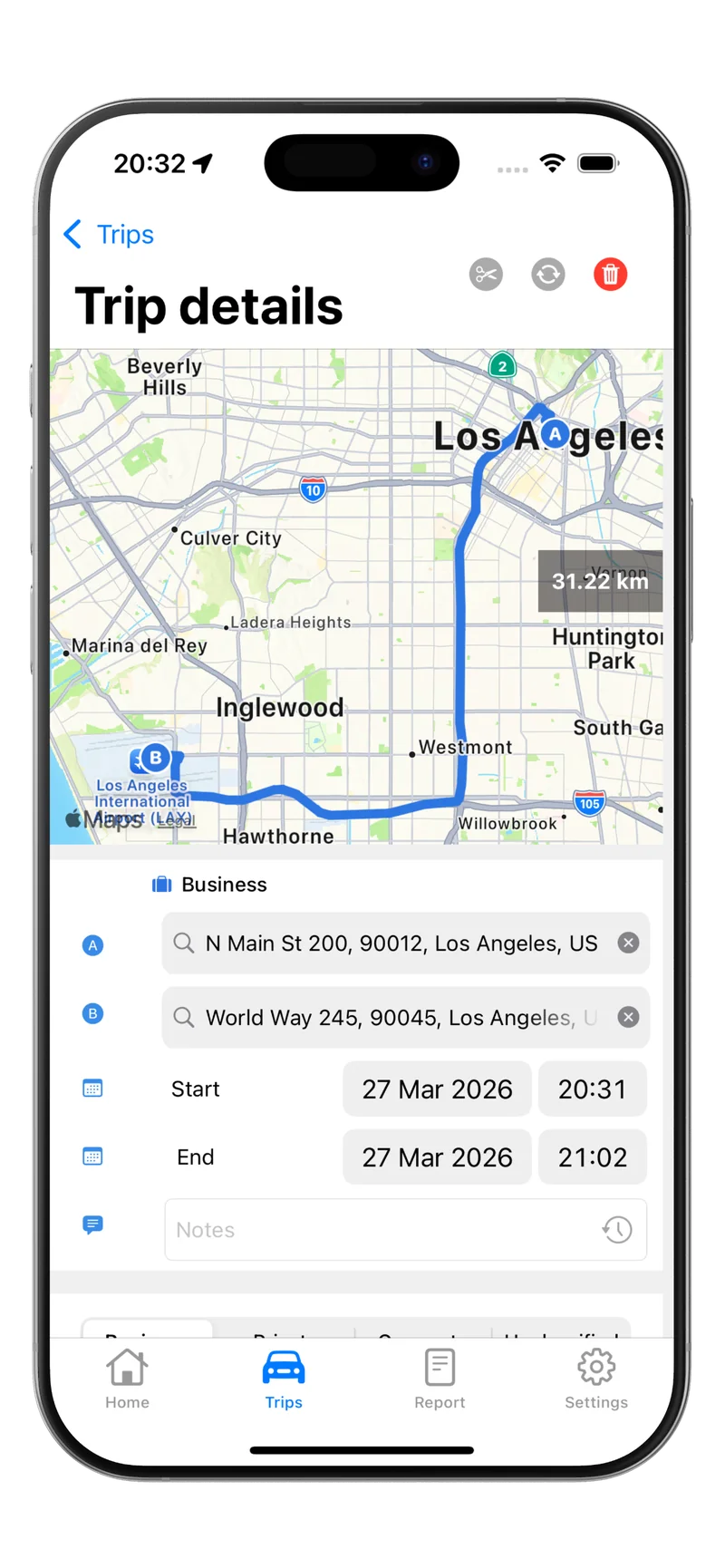
An app adds automatic GPS tracking, which means trips are logged in real time without manual entry. This creates stronger contemporaneous evidence and eliminates the risk of forgotten trips. Apps also make it easy to classify trips with a swipe and export reports at tax time.
If you drive daily or want to minimize the chance of missed trips, an app like Tripbook automates the process. It tracks trips in the background using GPS and motion detection, lets you classify each trip as business or personal, and exports IRS-ready reports in PDF, Excel, or CSV.
How to get started
Whether you use a template or an app, the key is starting now — not in December when tax season pressure hits.
- Pick your method. Download a template or install a mileage tracking app.
- Record your current odometer reading. You need this number at the start of each tax year.
- Log every business trip. Date, locations, miles, and purpose — every time.
- Review weekly. Fill in any gaps while your memory is fresh.
- Keep records for at least 3 years. Tax professionals recommend 7 years to cover extended audit windows.
For more on the IRS rules and reimbursement rates, see our IRS Mileage Reimbursement Guide. If you want to understand what counts as business mileage and what does not, our Mileage Tracking guide breaks it down.
Ready to stop worrying about missed trips? Download Tripbook and let GPS handle the logging while you focus on driving.